Try Wirecast for FREE! Download today!

icochatbot

Wirecast 5 Workflow Tutorial

Happy December Wirecasters!

Here’s a great tutorial created and produced by Stephen Heywood of The Tech Buzz.

In this video, Stephen demonstrates some basic and essential functions in the new Wirecast 5 UI:

  • How to add a bug (small logo) on your broadcast
  • Resizing and editing shots
  • Working with layers
  • Adding lower thirds graphics
  • Dealing with Audio

http://www.youtube.com/watch?v=nyjp5O_pH64&feature=youtu.be

Let us know what you think, and on what other topics you’d like to see videos!

Popularly Viewed

Tips & Tricks

Most live event producers these days have several cameras they use to produce a high quality live stream. One camera gaining...

Top 5 Tips for Hosting Engaging Live-Streaming Events
Tips & Tricks

You’ve worked hard to promote your event and now viewers are joining the lobby. What can you do to craft engaging...

Tips & Tricks

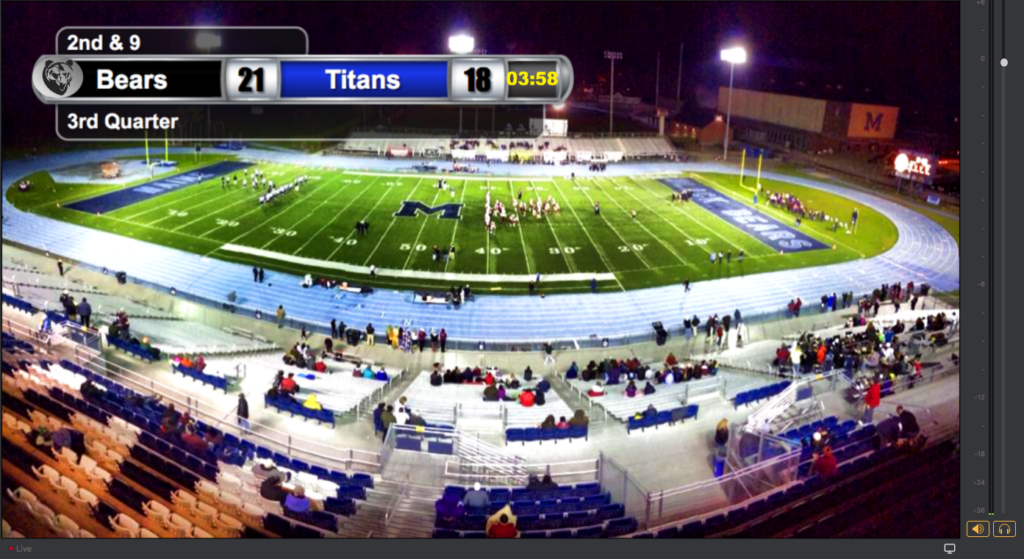
Learn 5 simple ways to create live scoreboards in Wirecast for your sports events....

Ready to
get started?

Wirecast initial in blue

Start producing professional live streams and bring your content to the next level.

Wirecast initial in blue