TL;DR
Learn how to integrate an affordable MEVO Start camera into your Wirecast production using the local network. By enabling NDI mode in the MEVO app, you can easily pull wireless 1080p video directly into your broadcast.
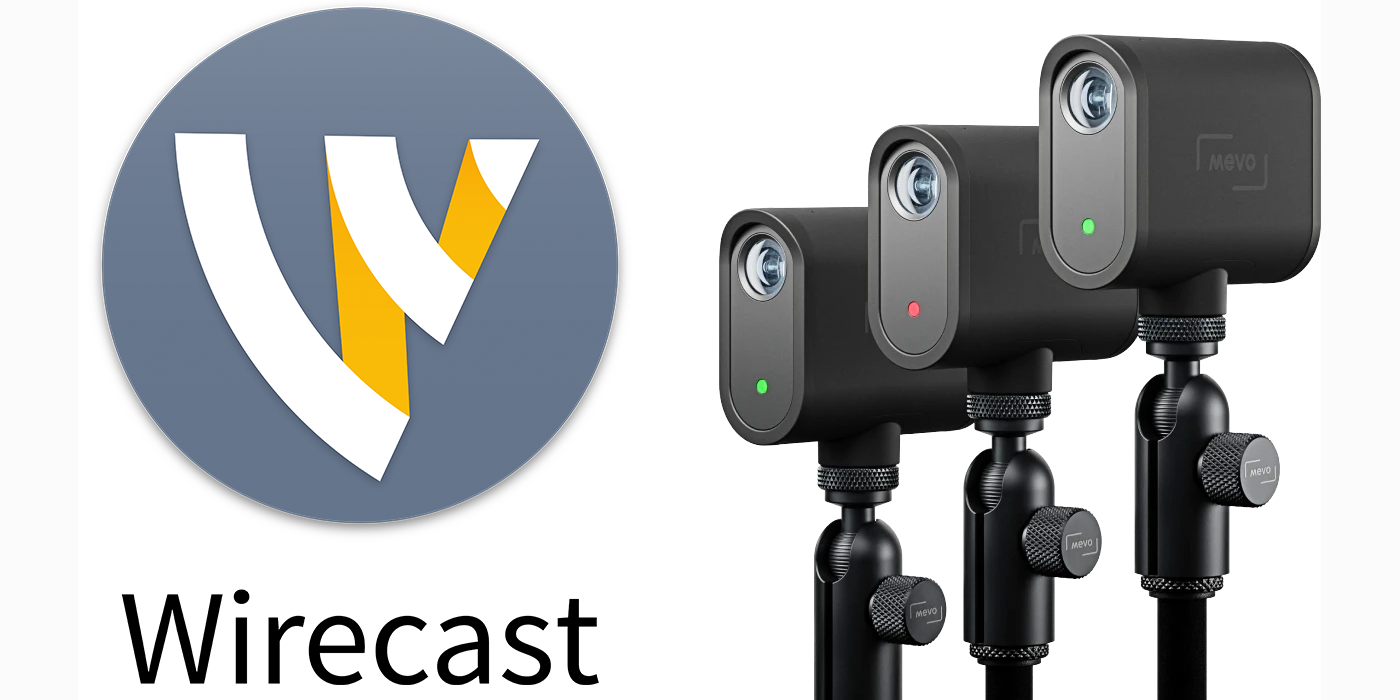
| Most live event producers these days have several cameras they use to produce a high quality live stream. One camera gaining in popularity is the Mevo ($399), because it’s affordable and it’s a dedicated camera made just for broadcasting live video. It’s easy to add a MEVO camera into your Wirecast live streaming software to create a professional multi-camera broadcast. MEVO Cameras can be configured to deliver up to 1080p video over a local network or remotely via the Internet into Wirecast. We’ll go over how to grab NDI (network device interface) video from a MEVO Start camera connected to the same local area network (LAN) as Wirecast. ,(If you want to know more about how to send RTMP output from a MEVO camera into Wirecast please see our other Blog Post.) The MEVO Start camera’s companion MEVO app enables the user to start NDI output from the camera in order to make its camera feed available to Wirecast, or any other NDI receive software/hardware connected to the same Wi-Fi network/router/switch. The first step is to connect your MEVO to the same WiFI network/router/switch that your Wirecast computer is connected to. In the MEVO app, you may need to tap the “Configure iPhone” or “Configure MEVO” buttons to select this. Once you can see a camera feed in the MEVO 2.0 app: 1) Tap three dots at bottom right 2) Scroll down to the “NDI Mode” section and turn it ON 3) At this point, your MEVO Start camera should be transmitting 4) Open Wirecast, add a new source by clicking one of the + buttons at the bottom of the interface and navigate to Network > (Name of your MEVO camera) > Add 5) Voila! You should see your MEVO camera feed in Wirecast |
Ready to Transform Your Production?
Ditch the hardware switchers. Everything you need is natively built into Wirecast.